![A drawn red ellipse, “lost on crash?”, with an arrow to a code tile, mentioned to Claude Code in a terminal tile. A white arrow labelled “[1] shape” runs from the shape to the terminal.](/media/easl/moment-shape-phone.webp)
a shape in a diagram
The ellipse points at the spool in report.ts. Claude Code reads what it points at and says when a crash loses a report.

 easlmac app for coding agents
hold ⌃⌥⇧⌘ and click a box in a diagram, an element on a page or an item in a note, and your agent gets it with the next prompt. agents run in real terminals on one infinite board, beside your code, call graphs, a browser and html pages. native mac app. free, mit.
macos 14 or later on apple silicon
The ellipse points at the spool in report.ts. Claude Code reads what it points at and says when a crash loses a report.
![Claude Code in a terminal tile, answering about line 36 of extensions/agent-hooks/report.ts, mentioned from a code tile. A white arrow labelled “[1] report.ts:36” runs from the line to the terminal.](/media/easl/moment-code-line-phone.webp)
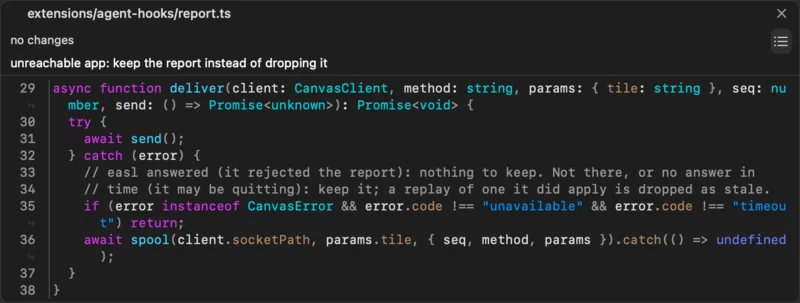
Claude Code on report.ts:36: when easl is away, the hook writes its report to a spool file, and easl replays it on reopen.
Hold ⌃⌥⇧⌘ and click a shape, a page element, a note item, a line of code or a command’s output. Karabiner-Elements can map Caps Lock to all four.
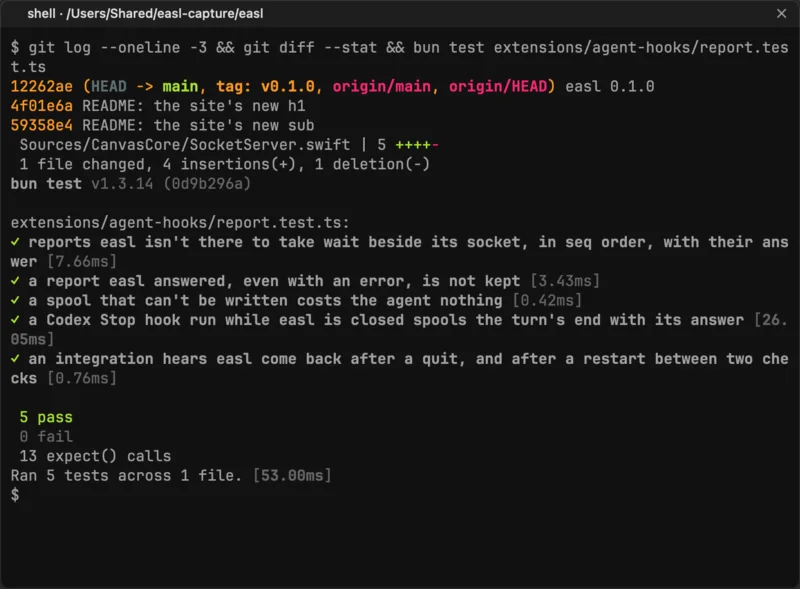
![A shell tile that ran bun test extensions/agent-hooks/report.test.ts, its output mentioned to Claude Code in a terminal tile. A white arrow labelled “[1]” runs from the output to the terminal.](/media/easl/moment-command-output-phone.webp)
The bun test run’s output goes with the prompt, with its command and exit code. Claude Code finds no test for a crash; report.test.ts:93 comes closest.

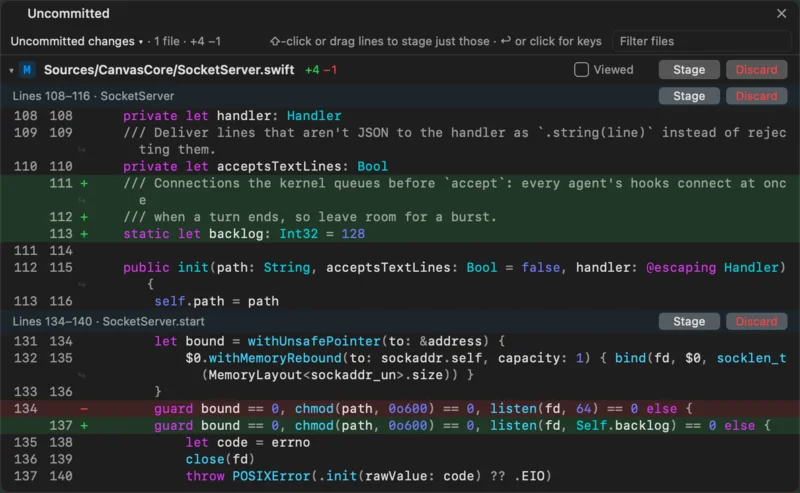
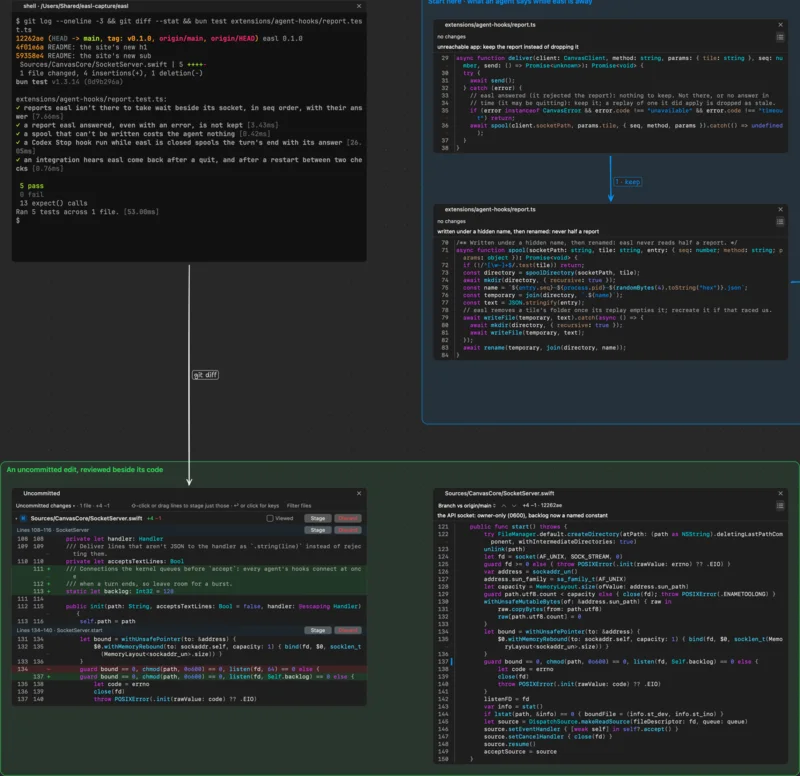
git diff in the terminal, and beside it the changes tile and the code it touches.

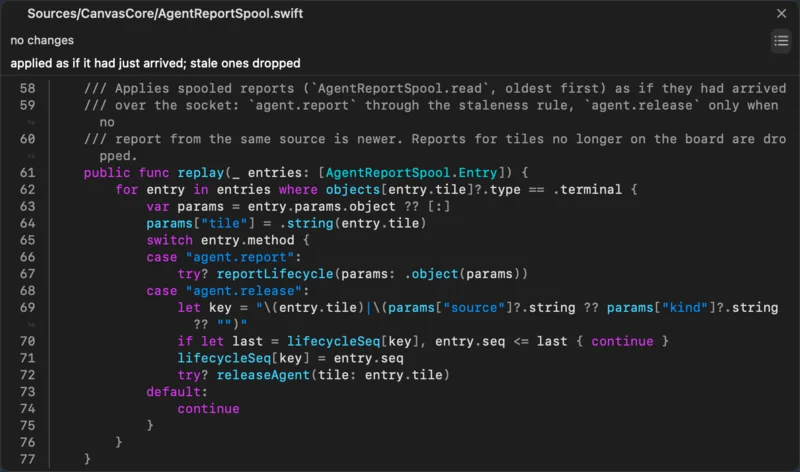
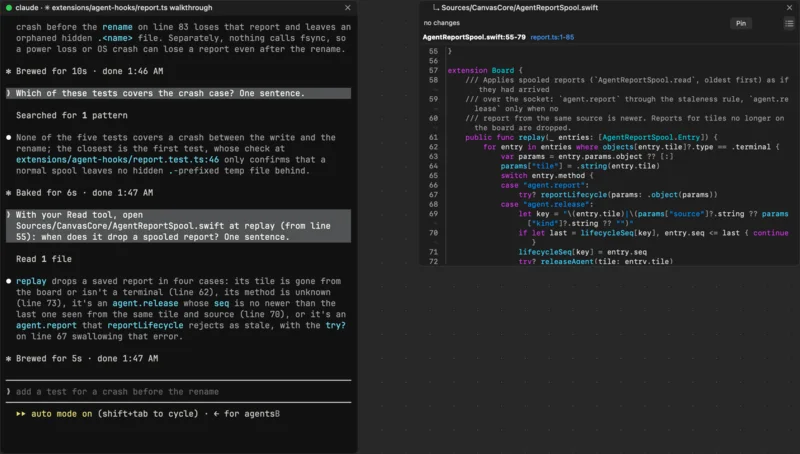
Claude Code reads AgentReportSpool.swift, and its follow tile shows those lines beside its terminal.

Who calls AgentReportSpool.read, computed by sourcekit-lsp. Each node is a real symbol; + opens the next level.

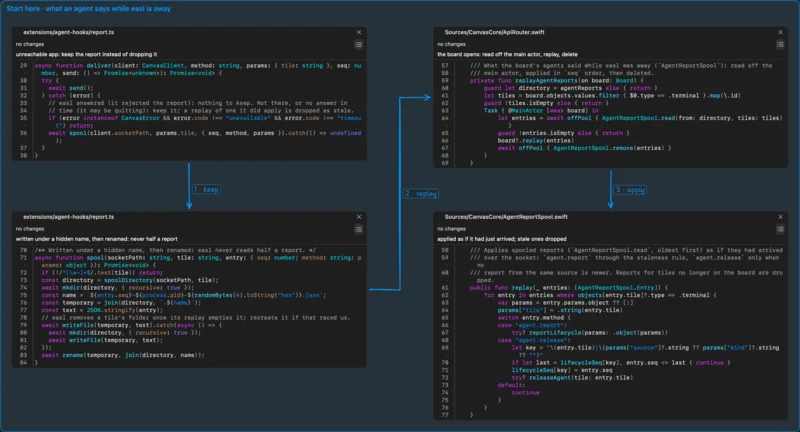
Captioned code tiles joined by numbered arrows. ⌥⌘→ goes to the next stop.

A WebKit page on the board. Agents open, snapshot, click and type in it with easl browser.

Stage, unstage or discard files, hunks and lines, like a PR.

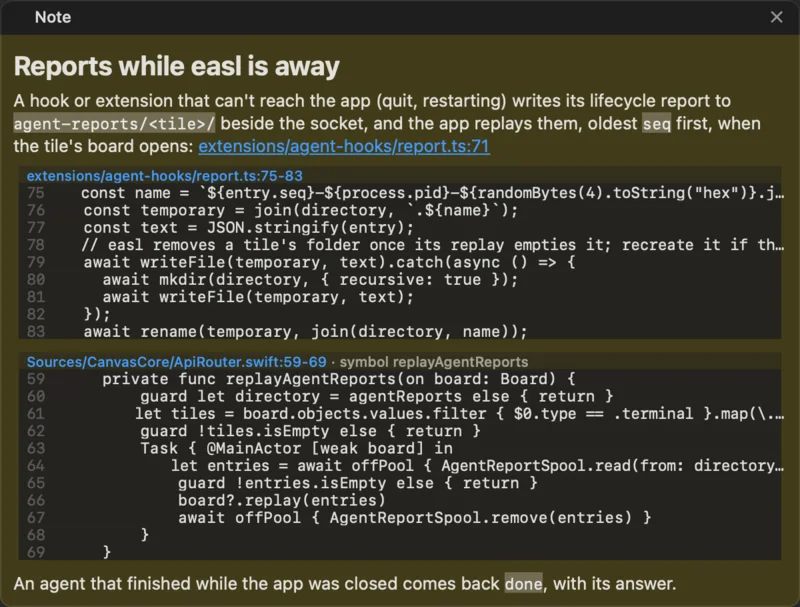
A code fence shows the file as it is now and follows its lines as they move. When that code is gone, it says stale.

Your own claude, codex or any CLI, logged in as you. libghostty draws them with your Ghostty config.

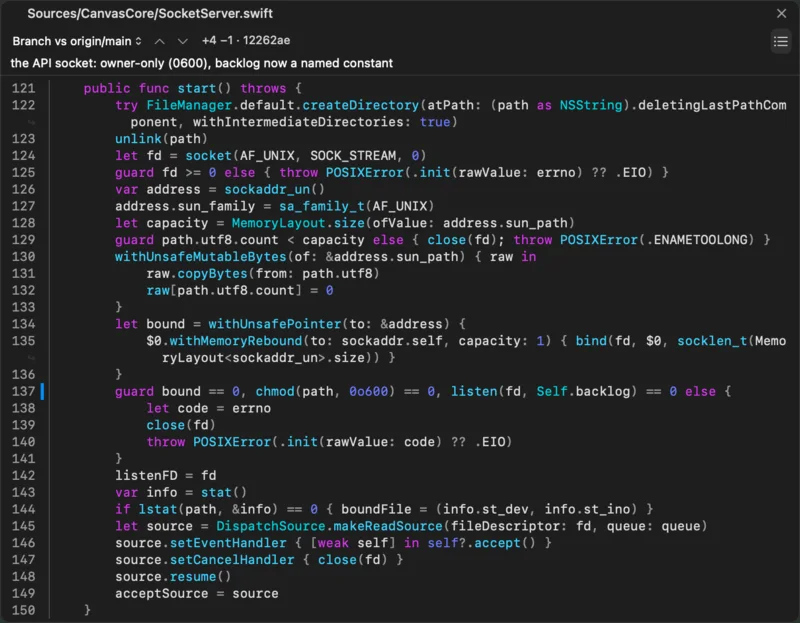
Read-only, with your language server. The gutter marks changes against your branch; click a mark to see the old lines.
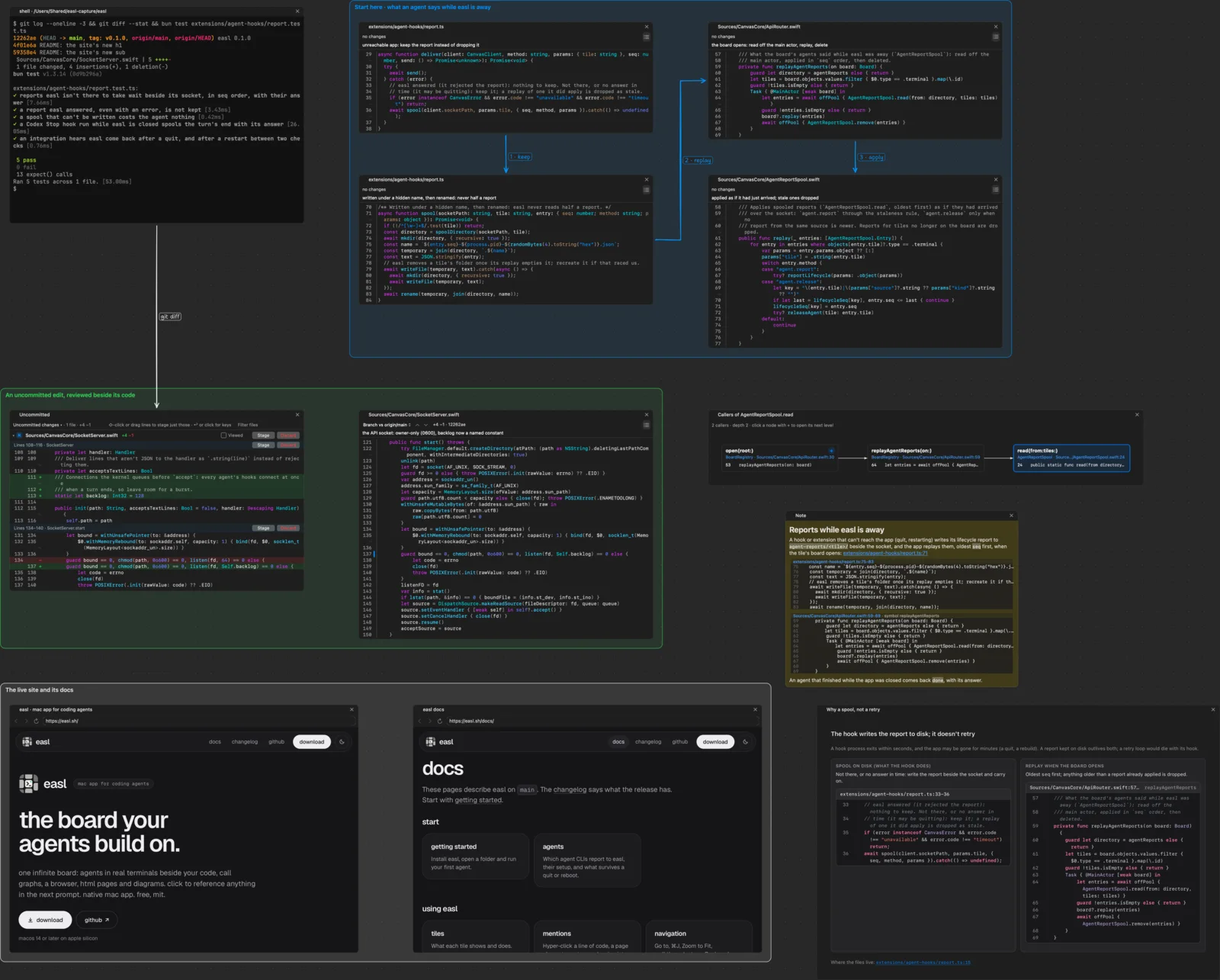
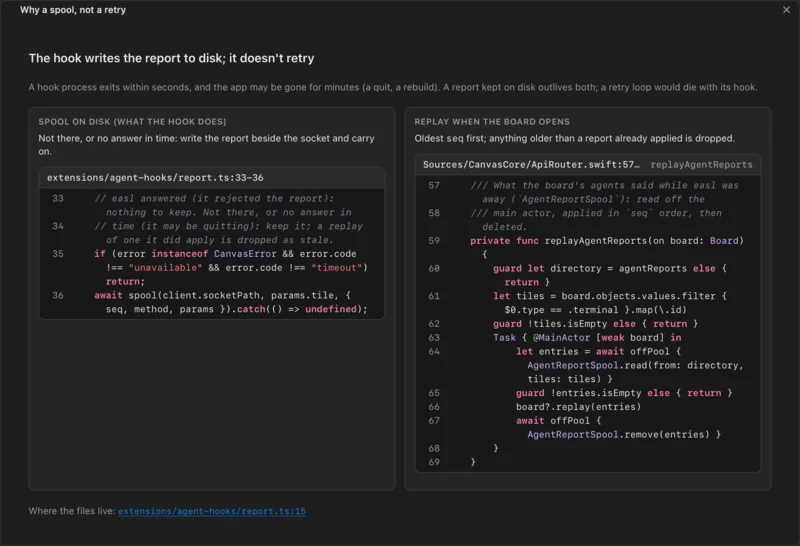
A terminal, a walkthrough, a review, a call graph, a note, two browser tiles and an HTML page. A script laid out the tiles.

Sandboxed, network off by default, with Tailwind, Mermaid and code excerpts read from the real files.
No setup. A wrapper on the tile’s PATH runs your claude with easl’s hooks for that session: a state dot, your clicks in its next prompt, a follow tile, and its session back after a reboot.
Same as Claude Code.
One symlink to easl’s omp extension, then the same as Claude Code. omp’s own browser tool drives browser tiles.
No setup: easl adds its plugin per session. A state dot, your clicks in its next prompt, and a follow tile.
Before 0.60: no setup, a state dot, your clicks in its next prompt and a follow tile. 0.60 and later runs as a plain terminal, and ⌃⌥⇧⌘V pastes your clicks in.
Runs in a tile, and ⌃⌥⇧⌘V pastes your clicks in.
Agents reach the board over a local socket with a JSON schema: the easl CLI, on PATH in every terminal tile, or the Python and TypeScript clients. They create tiles in atomic batches, render a region without moving your view, and send each other board objects with easl agent.prompt.
Terminals live in zmx sessions, so quitting or crashing easl stops nothing. After a reboot, Claude Code, Codex and omp tiles relaunch with their session.
A changes tile shows any branch or fetched pull request against its base, without checking it out.
Every worktree and branch opens the same board. Terminals remember where they started.
An orange dot on its tile, ⌘J to jump there, and a macOS notification when easl isn’t in front.
It says what it undid: “Undid omp: created 9 code tiles, 6 arrows”.
Install it with Homebrew. brew upgrade --cask easl updates it:
brew install --cask twaldin/tap/easlOr paste this in Terminal. It downloads easl-0.2.3.zip, checks its SHA-256 and moves easl.app to Applications (read the script):
curl -fsSL https://easl.sh/install | shOr download easl-0.2.3.zip from GitHub Releases, unzip it and move easl.app to Applications. It’s notarized by Apple, so it opens like any downloaded app.
Install zmx (terminal tiles run in it) and bun (the agent hooks, the easl CLI and the omp extension run on it):
brew install neurosnap/tap/zmx oven-sh/bun/bunYour own claude or codex runs in a real terminal, in its own TUI, logged in as you, with easl’s hooks added for that session. Code, call graphs, browser pages and HTML pages open beside it on one board, and a ⌃⌥⇧⌘-click puts any piece of them in the next prompt. Code tiles are read-only, so you keep your editor.
You type to each agent in its own terminal. easl has no AI of its own.
No. easl is signed with a Developer ID and notarized by Apple, so it opens like any downloaded app, however you install it.
No. Your agents use the accounts they’re logged into.
Nothing. It’s free and MIT licensed. No sign-up.